BIM vs CAD: Which One Fits Your Project? Key Differences to Know
You have to choose the right digital tool in today’s competitive industry. The two biggest names are CAD and BIM. Both are popular and have been used for so many years. But they are not the same. So, it is important to understand the differences between BIM and CAD. Even the clients must also understand them before investing their budget and time.
This article is prepared for you to understand each system. However, various clients outsource Architectural Drafting Services to well-known companies. They use the right tool to provide accurate outputs to their clients.
READ OUR BLOG TO UNDERSTAND THE DIFFERENCE BETWEEN CAD AND BIM AND MAKE THE RIGHT CHOICE FOR YOUR NEXT PROJECT!
What Is CAD?
Computer Aided Design is one of the earliest design tools used in the industry. However, it replaced hand-drawn drafts. Plus, it helps designers to work fast and create accurate technical drawings by using a computer. CAD is used for:
- 2D drafting (floor plans, elevations, sections)
- 3D modeling (geometrical shapes without embedded information)
The most important thing to remember is that CAD is always focused on geometry. It provides you with lines, arcs, and shapes. This information is about the building. However, a wall in CAD is just a line. You will not get to know how thick the wall is and what it is made of. Today it is used for:
- Simple for drafting tasks
- Highly precise
- Ideal for shop drawings and manufacturing work
- affordable for small teams
- Relatively easy to learn
You can get reliable CAD Drafting Services for smaller projects and move on with your projects.
What Is BIM?
BIM (Building Information Modeling) is an advanced process that creates 3D models that consist of detailed information.
For example:
- A wall knows its height, width, material, thermal value, and cost.
- A door knows its manufacturer, fire rating, swing direction, and dimensions.
However, it supports:
- Architecture
- Structure
- Mechanical systems
- Electrical layouts
- Plumbing designs
- Facility management
The best thing about this tool is that team members can work together on the same project. If the architect moves a wall. The structural engineer and the MEP team can quickly look into the update. This reduces confusion and mistakes. One of the best software programs is Revit, which allows professionals to work easily. So, if you are not low on budget, then get expert Revit Drafting and complete your projects smartly.
Major Differences Between BIM and CAD
1. Geometry vs Information
CAD is focused on drawing. BIM is more focused on building information
In CAD:
- Designers manually draw every line.
- Quantities must be measured manually.
- Information is separate from drawings.
In BIM:
- The model automatically stores information.
- Quantities are generated instantly.
- Data is integrated directly into the model.
2. Working Style
The CAD process is straightforward, which means one team creates a drawing, and then it is passed to the next team.
BIM processes help project members to work together on the same platform. Architects, engineers, owners, and contractors are involved in the teams. This reduces a lot of issues and misunderstandings.
3. Deliverables
CAD delivers:
- 2D drawings
- Shop drawings
- Detail-specific illustrations
BIM delivers:
- 3D models
- Quantity schedules
- 4D construction sequencing
- 5D cost estimation
- Energy simulations
- Clash detection reports
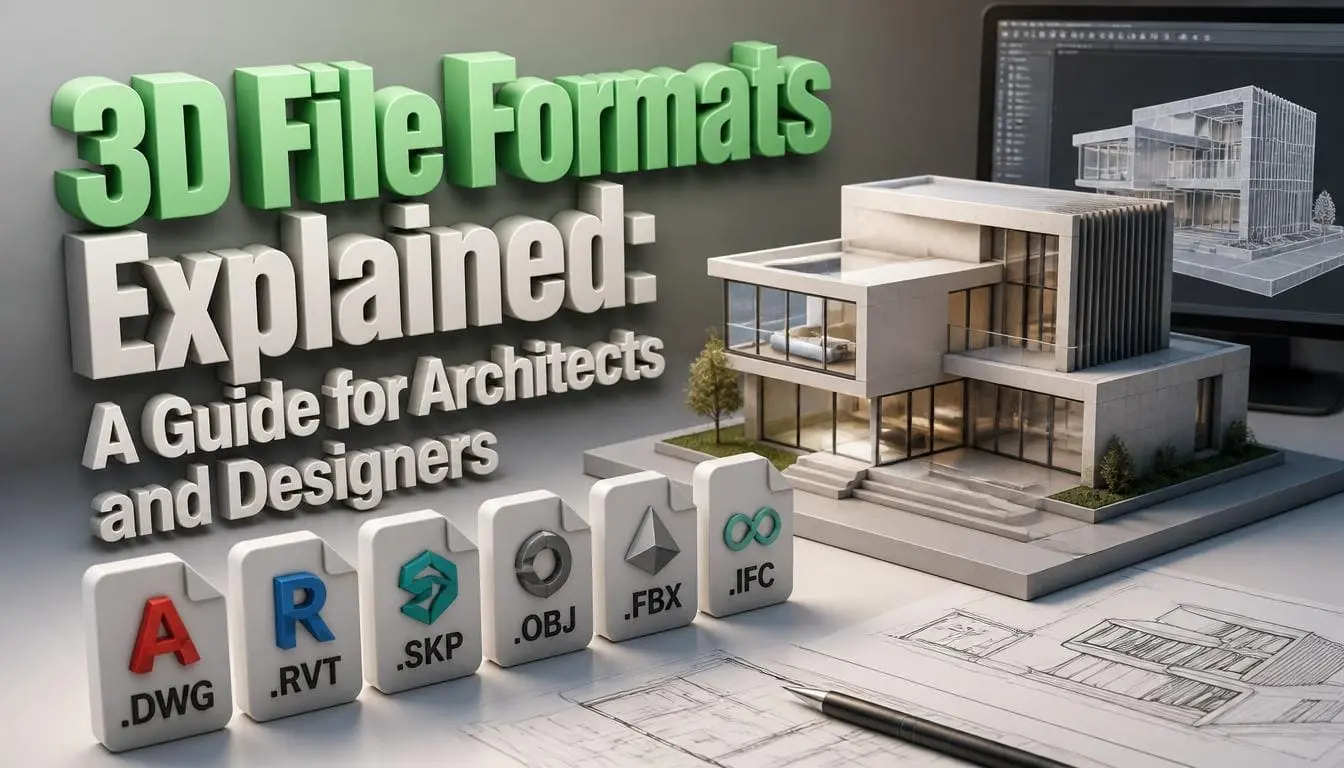
4. File Structure
CAD uses formats like:
- DWG
- DXF
BIM uses formats like:
- RVT
- IFC
- COBie
- NWC
When to Choose CAD
CAD is the right choice when:
- Your project is small or simple.
- You only need 2D plans or basic 3D drawings.
- You’re creating manufacturing or shop drawings.
- You have limited software budget.
- The project has minimal coordination needs.
When to Choose BIM
BIM becomes essential when:
- Multiple disciplines are involved.
- The design must be highly coordinated.
- The project is complex or large.
- Owners want lifecycle data for maintenance.
- You need clash detection or construction simulation.
Key Advantages of BIM Over CAD
1. Clash Detection
One of the best things about BIM is detecting the clashes. These tools automatically identify issues between systems. If the duct is passing through the beam. The software resolves this issue automatically.
2. Automated Quantity Takeoff
Estimators love BIM because quantities update instantly. If the designer changes the size of a room. The model recalculates materials that reduce manual work.
3. Better Communication
Clients understand 3D models better than two dimensional drawings. BIM visualizations improve presentations. This help clients make the right decisions.
4. Sustainability and Energy Performance
BIM tools help enhance:
- Daylighting
- Heat loads
- Building performance
5. Smooth Facility Management
After the building is complete, BIM provides information for maintenance:
- Equipment warranties
- Material details
- Room data
- Service history
Conclusion
Both BIM and CAD are strong. CAD is better for simple and small tasks. BIM functions best with medium to large projects. The choice depends on the type of your project. The best thing is to get expert help and complete your projects under budget. Otherwise, a minor mistake in the designs can derail the whole project.