Clash Detection 101: How BIM Prevents Million Dollar Mistakes
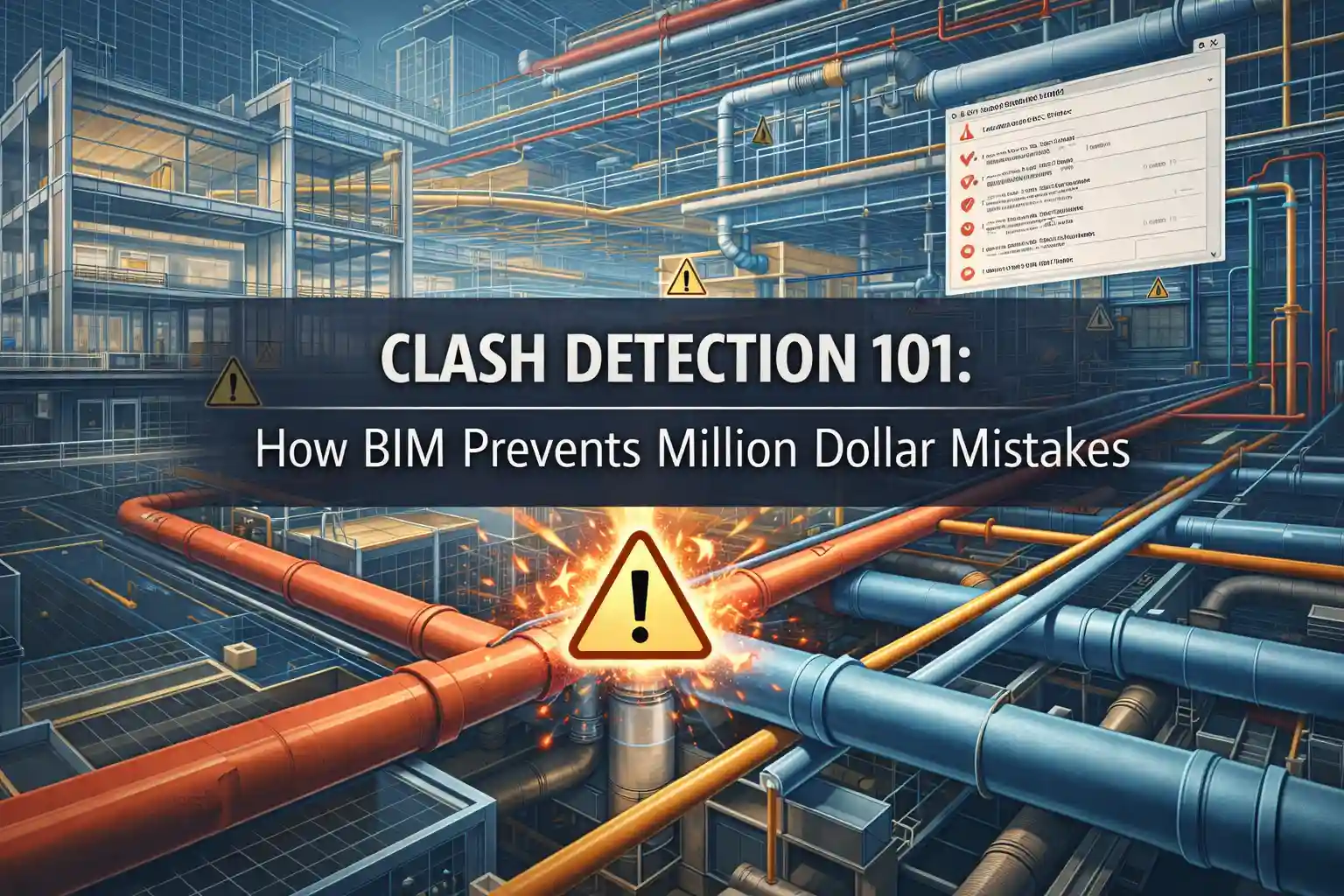
You can understand the importance of BIM through an example easily. You are working on a commercial project and it has been six months since then. The structural steel is erected. Plus, MEP contractors are ready to install ductwork on the 10th floor. Suddenly, the main HVAC duct runs directly through a load-bearing steel beam. The work stops! The beam can not be moved so the ductwork must be rerouted.
However, such scenarios are common every single day. According to recent industry data, rework from unresolved design clashes can range between 8–10% of total construction costs. That is why early Clash Detection is the best tool that saves you money! It is a detailed process in which issues are identified and resolved through virtual 3D models before even starting the construction process. This is Clash Detection 101! Mostly, AEC experts seek help from a reliable 3D rendering companies to prevent million dollar mistakes because they use BIM.
Read our guide to understand how BIM helps in early issue detection and saves you plenty of dollars!
What is Clash Detection?
Clash detection in Building Information Modeling (BIM) is an automated process. It provides information about when two different designs clash with each other.
However, to truly understand its value, you have to look at the three distinct types of clashes it catches:
- Hard Clashes:
This is the most obvious type. This clash means that two objects are sharing the same space.
- Soft Clashes
This clash occurs when an element does not hit any other element physically. But, it violates the area required for insulation or safety.
- Workflow/4D Clashes
This type of clash is about the timing issue. If a contractor schedules the installation of heavy mechanical equipment after the interior walls are finished. This means the equipment must not move into the room without tearing down the new walls.
The Cost of Doing Nothing
The construction industry now has very thin margins. Profitable projects avoid rework. When the clashes are detected, the damage is sudden. It is not just the cost of the fix. It is the ripple effect:
- Direct Costs include the cost of Labor and materials to tear out and redo work.
- Indirect Costs: Idle crews from downstream trades waiting for the area to be cleared.
- Expediting Costs: Paying premiums to rush the fabrication of replacement materials.
Case in Point: The Birmingham Tower
A 28 story tower in Birmingham was completed in 2024. The project team decided to check clashes during the design phase.
They used Revit and Navisworks. They detected 2,400 clashes between MEP and structural services.
They resolved all the issues. You know what the surprising thing is? Their project saved an estimated £1.2 million in rework!
How the Clash Detection Process Works
1. Model Aggregation
The first step is gathering all the models into one place. It includes:
- Architectural
- Structural
- MEP
These models are combined into a single model.
- Setting the Rules
It does not occur by just hitting the button to find all clashes. The team has to define some rules.
- Automated Detection
Software scans the federated model based on the defined rules. Modern tools run these tests automatically.
- Review and Prioritization
All the clashes are not of the same type. Such as:
- A conduit touching a ceiling tile is a minor issue
- A pipe spearing a main support beam is a showstopper
- Resolution and Iteration
Designers use modern tools like Revit. They fix the conflict and update the model. The clash detection is then run again to guarantee the fix worked and didn’t create any new clashes elsewhere.
The Tools of the Trade
To perform clash detection, you need the right software. However, there are many options:
Autodesk Navisworks Manage
It allows you to combine models from dozens of different formats and run complex clash tests.
Autodesk BIM Collaborate Pro:
It is a cloudbased platform. It allows for automated clash detection on models stored in the cloud.
Revizto
Acts as a coordination platform that bridges the gap between the high-tech model and the field team. This offers live tracking for issues.
How to maximize ROI
If you want to fully make sure that clash detection saves you money. You must follow these best practices:
- Don’t wait until the design is fully complete. Run clash detection at the start, middle, or end of this phase. If you find the issue earlier, you will need cheaper fixes.
- Someone needs to be the controller. A reliable BIM architectural rendering services help to manage the clash detection schedule.
- Clash detection is only accurate if the model is detailed enough. Aim for LOD 350 or higher for coordination.
- Take help from a senior and conduct meetings to review the clashes. These experts have more knowledge and they are experts in this field. Their opinions can provide a good solution.
Conclusion
In short, it is noted that Building Information Modeling prevents Million-Dollar Mistakes. Clash detection in BIM transforms the building process from a gamble into a science. It helps teams to fix the mistakes quickly before the actual time comes. However, the best thing is to seek help from professionals.