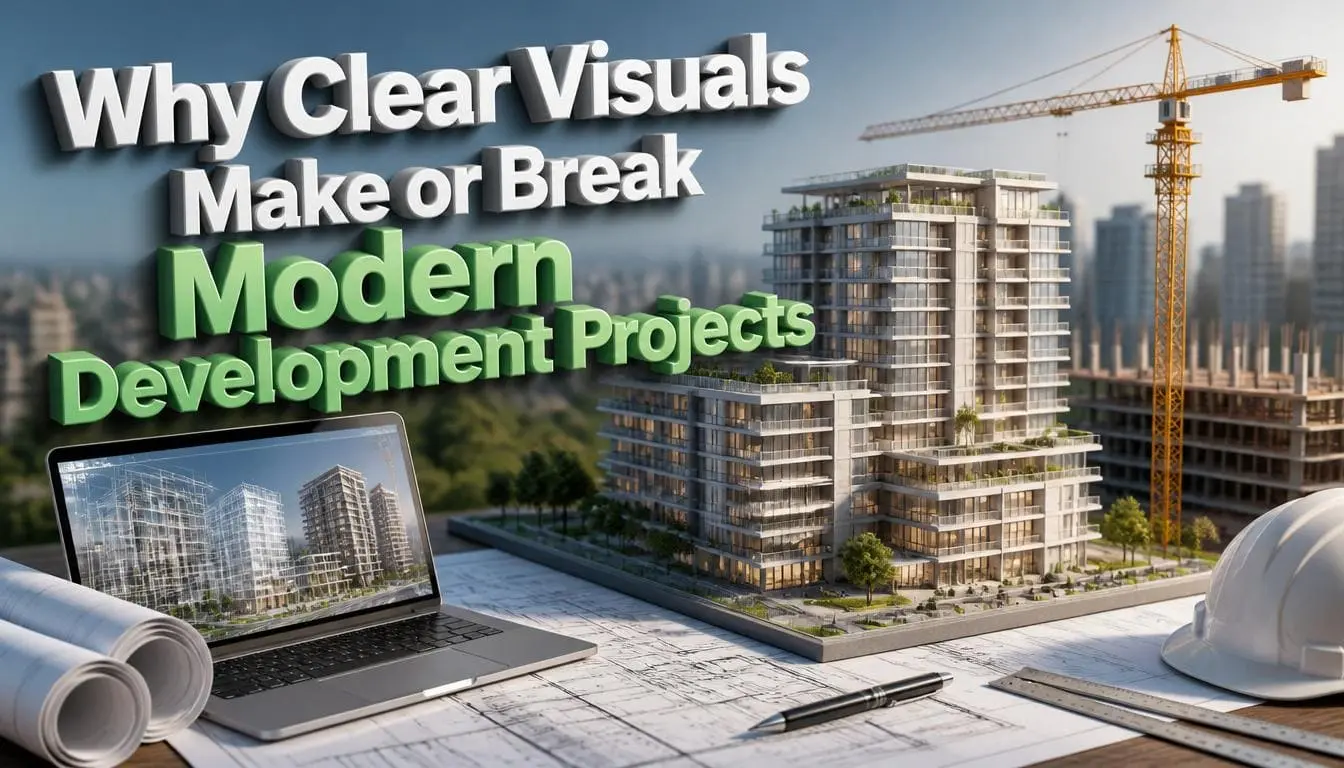
Why Clear Visuals Make or Break Modern Development Projects
A client says “make it feel modern.” A stakeholder says “it should work like the old system, but better.” A developer writes some notes and starts building. Three sprints later, the demo is there, and the room goes quiet. This isn’t what anyone had in mind. This type of scenario repeats across software teams every week. But it is rarely a skill problem for modern development projects. It is a translation problem.
Words are confusing, but diagrams and flows are not. When teams skip the visual step and jump straight from conversation to code, they are building on a shared understanding that was never actually shared.
Why This Problem Is Bigger Than It Looks
In the Standish Group’s CHAOS Report, only about 3 in 10 software projects were fully successful against budget and quality goals. Half were late and over budget.
According to major industry studies by the Standish Group and the Project Management Institute (PMI):
- Unclear requirements: 39% of failures
- Scope creep: 33% of failures
- Poor planning: 29% of failures
- Bad communication: 25% of failures
- Tech issues: Just 17% of failures
In short, modern dev projects fail because people aren’t on the same page, not because the code is too difficult to write.
The best way to avoid this failure is by getting expert Architectural Rendering from a reliable company. It can help you build your business stronger than ever before. First, let’s discuss why these visuals are important in modern projects.
What “Clear Visuals” Actually Means in Modern Development Projects
In a development context, visuals are a stack of tools. Each one of them solves a different kind of issue:
- Wireframes: these are the simple sketches. They lock down the basic layout. So, you do not waste time arguing over colors or texts.
- Clickable prototypes: These let people test a feature. Plus, they help to highlight mistakes before a single line of code is written
- System diagrams: visual maps that show how data and integrations connect
- User flow and journey maps: the sequence of screens. It exposes edge cases that a requirements doc tends to hide.
- Annotated mockups are high-fidelity screens with notes on behavior and logic
Each of these answers a different question:
- Wireframes answer “what’s on the screen,”
- Prototypes answer “does this actually work the way we think?”
- Architecture diagrams answer “how do the pieces fit together?”
The Real Cost of Skipping the Visual Step
This is like an owner approving a plan they only half-pictured in their head. The dev team builds what they think it means. Then 6 weeks later, everyone figured out they were building different things.
Most UX teams say late fixes can cost several times more than catching the problem early.
There’s another problem: too many people talking. That means with 10 people involved, you get multiple different views.
Visuals easily fix this. A diagram looks the same to the first person and the tenth person. A sentence changes meaning every time it’s repeated.
For this reason, modern 3D rendering is gaining rapid attention. Experienced visualizers provide realistic visuals that help clients make the right decisions.
A Framework: Building a Visual-First Workflow
You don’t need a full design team to get these benefits.
Let us provide you with a simple process that works for any team size:
- Use simple sketches or story maps to convert conversations into a visual layout. This provides a clear picture for everyone to review together.
- Wireframe before doing any design or coding. Keep the layouts basic and low detail so you can focus on how the features work, not how it looks.
- Build a clickable prototype for anything with real interaction or business logic. If a feature has more than one path through it, a static wireframe won’t expose the edge cases; a prototype will.
- Diagram the architecture before development starts, and keep it updated. A single system diagram prevents “which service owns this data” arguments six months into the project.
- Review visuals with team members before development sprints begin. A 5 minute walkthrough of a prototype catches what a five-page requirements doc buries in paragraph four.
Common Mistakes and Misconceptions
No time for wireframes
Project members who skip this step spend more time later reconciling misaligned expectations.
Treating a prototype as the final design.
A prototype is meant to test how a product works and flows. They do not have to be absolutely perfect. If you combine these two things. You will either waste a lot of time designing details too early, or you end up launching something that looks unfinished.
Letting the architecture diagram go stale
An outdated diagram is worse than having no diagram at all. Because people trust it, it misleads them.
Assuming visuals replace written requirements
They don’t. Visuals show the flow. Specs still need to capture business rules and non-functional requirements that don’t fit neatly into a picture.
DO NOT LET POOR COMMUNICATIONS SLOW DOWN YOUR NEXT PROJECTS. THE “RIGHT VISUALS” CAN HELP YOU SAVE HOURS AND PREVENT EXPENSIVE WORK IN THE FUTURE.
Conclusion
Ultimately, a clear picture guarantees your modern development projects are built right the first time, instead of just built fast. Most software projects do not fail because of hard technical issues. It fails because two members thought they agreed on something and didn’t find out otherwise until it was expensive to fix. Put a diagram in front of team members and clients before development starts. You will catch the mistake when it is not expensive and easy to fix. No more wasting weeks of work.
FAQ
Q1: Does using wireframes and prototypes really reduce project costs? Yes. Fixing a logic mistake while making simple wireframes is much cheaper than fixing it after the software is built. A late-stage fix requires updating databases, instead of just moving elements around on a screen.
Q2: How do visuals help with AI-assisted development specifically?
AI coding tools build things fast. Having a clear wireframe or diagram, or prototype, becomes even more important. It gives both your human team and the AI an exact target to build.