5 Ways to Reduce 3D Rendering Time Without Losing Quality
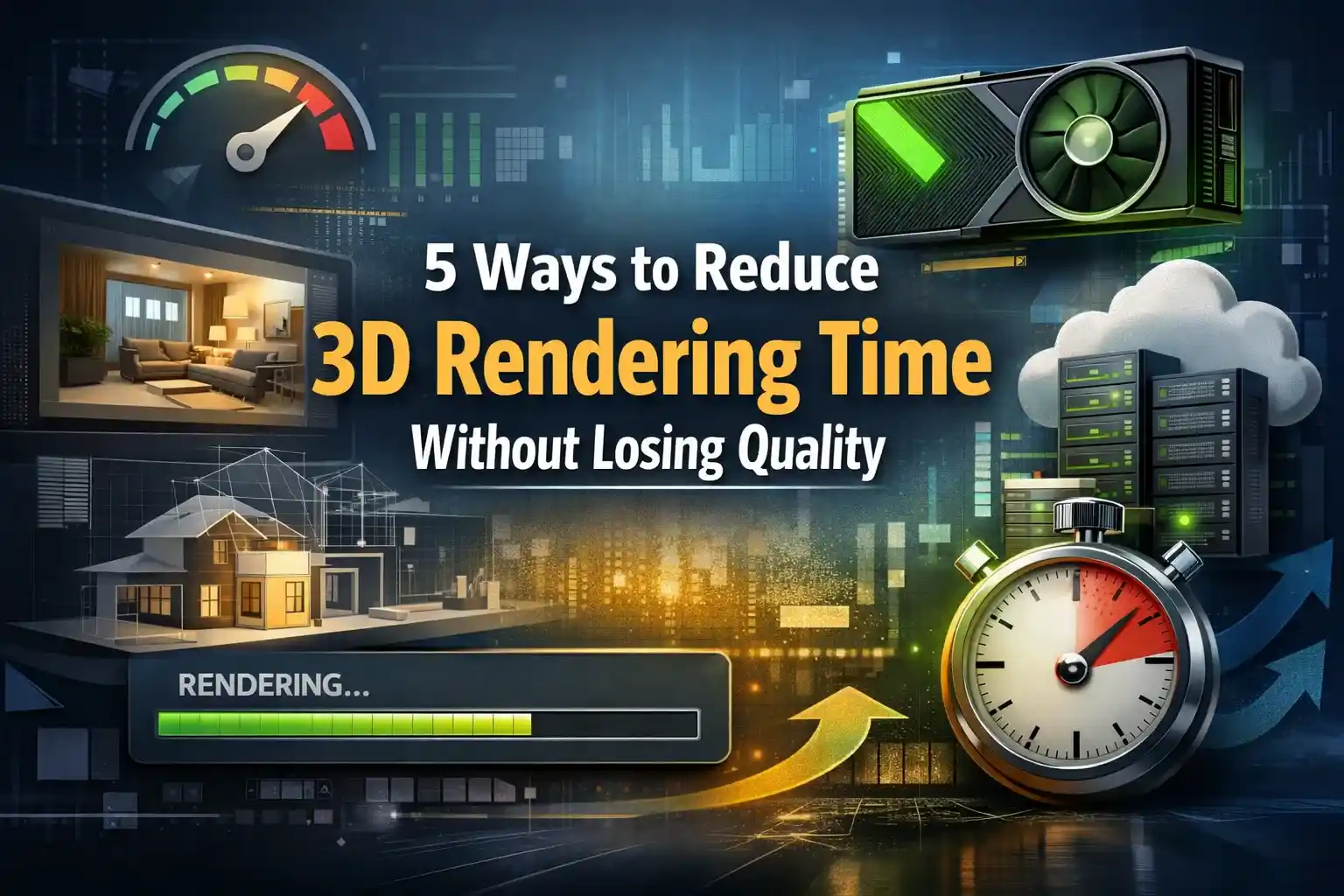
If you have ever sat in front of a screen and watched a never-ending progress bar, you understand the frustration that comes with long 3D render times!
The clock is always your enemy. Long render times slow down the process, making it harder to refine your work. Due to deadlines, this slow work leads to increased stress. But there’s good news. You do not have to choose between speed and quality. By choosing the right strategy and a few smart techniques, you can reduce rendering durations.
Modern architects use advanced rendering tools to work and deliver high-quality results. The ones who have zero experience in this field but want to sell their properties faster. They outsource 3D rendering services to a reliable company. Expert visualizers provide them with realistic images and animation in the fastest turnaround time.
This article help you explore 5 Ways to Reduce 3D Rendering Time Without Losing Quality!
5 ways to reduce rendering time
1. Optimize Scene Complexity and Geometry
One of the most impactful changes you can make is by looking inside your scene itself. The most effective method to speed up render times is by reducing the complexity of your scenes. Detailed lighting and textures create stunning visuals. But they also require significant computational power.
So, start by looking into every element in your scene. Every object does not require the same level of detail.
Apply level-of-detail (LOD) principles actively.
You can work on these geometry optimizations:
- Remove unnecessary polygons from models
- Use instanced geometry instead of duplicating objects
- Apply lower-resolution textures to the background
- Bake procedural textures into image maps wherever possible
- Clean up your UV maps
2. Rethink Your Lighting Strategy
Lighting is one of the most powerful tools in your renderings. Experienced architectural visualisation companies greatly focus on lighting to make the scenario realistic.
But when it is mishandled. This means that too many lights or complex shadows can slow down the render times.
A smart way is to mix techniques:
- baked lighting where possible,
- Reduced light bounces
- Adjust ray depth settings to streamline calculations
- Avoid enabling complex light interactions
The best thing is to treat your lighting as a performance budget. Do not consider it as an unlimited resource. This will keep your render times predictable and manageable.
3. Use AI-Powered Denoising
Denoising is one of the biggest trends in the rendering field. Now, the advanced software offers the latest denoising solutions.
This helps to set a lower quality with faster rendering. The result is equally clean.
The old method was to throw more samples at a noisy render and wait.
The new method is to render with a few samples. Then let an intelligent denoiser handle the cleanup.
This is how you can use denoising smartly in your workflow:
- Use Intel Open Image Denoise as your primary denoising pass
- Render separate AOV/pass channels and denoise them individually
- Set your denoiser radius carefully. This allows you to observe different noise reduction effects
- Combine denoising with adaptive sampling
- Test denoise settings on a crop render
4. Choose the Right Rendering Hardware and Engine
To deliver a perfect 3D visualization services to your clients, you need to choose the right rendering hardware and engine
GPU rendering is significantly faster for many projects. It is ideal for scenes that are less memory-intensive but demand a quick turnaround.
The best decisions for hardware are:
- Switch to GPU rendering
- Upgrade your VRAM if GPU rendering is causing problems
- Ensure proper cooling for sustained rendering sessions.
- Rendering generates heat during long sessions. It can slow down the process
- Keep GPU and CPU drivers updated
- Disable background processes during rendering to free up the system for the render engine
5. Use Cloud Rendering
When the local hardware does not match your project demands, especially for long animation. Cloud rendering is the most powerful solution.
It is strongly recommended to use cloud rendering farms to achieve fast rendering in the cloud.
Cloud rendering distributes your workload across hundreds of machines at the same time. This reduces the days of render time into hours.
Here is how to use it effectively:
- Use cloud farms for animation sequences. Because it requires thousands of frames to be rendered at the same time
- Run test renders locally to finalize all settings before uploading to a farm
- Explore hybrid workflows, which means handling denoising and other things
- Take advantage of free trials to check whether a particular service can handle your files
- Organize your scene files and assets into a clean structure before uploading
Conclusion
We have discussed the best 5 ways to reduce 3D rendering time without losing quality in this guide. You need to make smarter decisions at every stage of your process. Once you have successfully built speed in your processes, the rendering becomes less complex. Plus, your client will be more satisfied with your work. Each of the five strategies discussed will provide you with the best results! Apply them in combination and test them for speed and quality. If you’re not able to do this, then get professional rendering services to achieve the desired results.