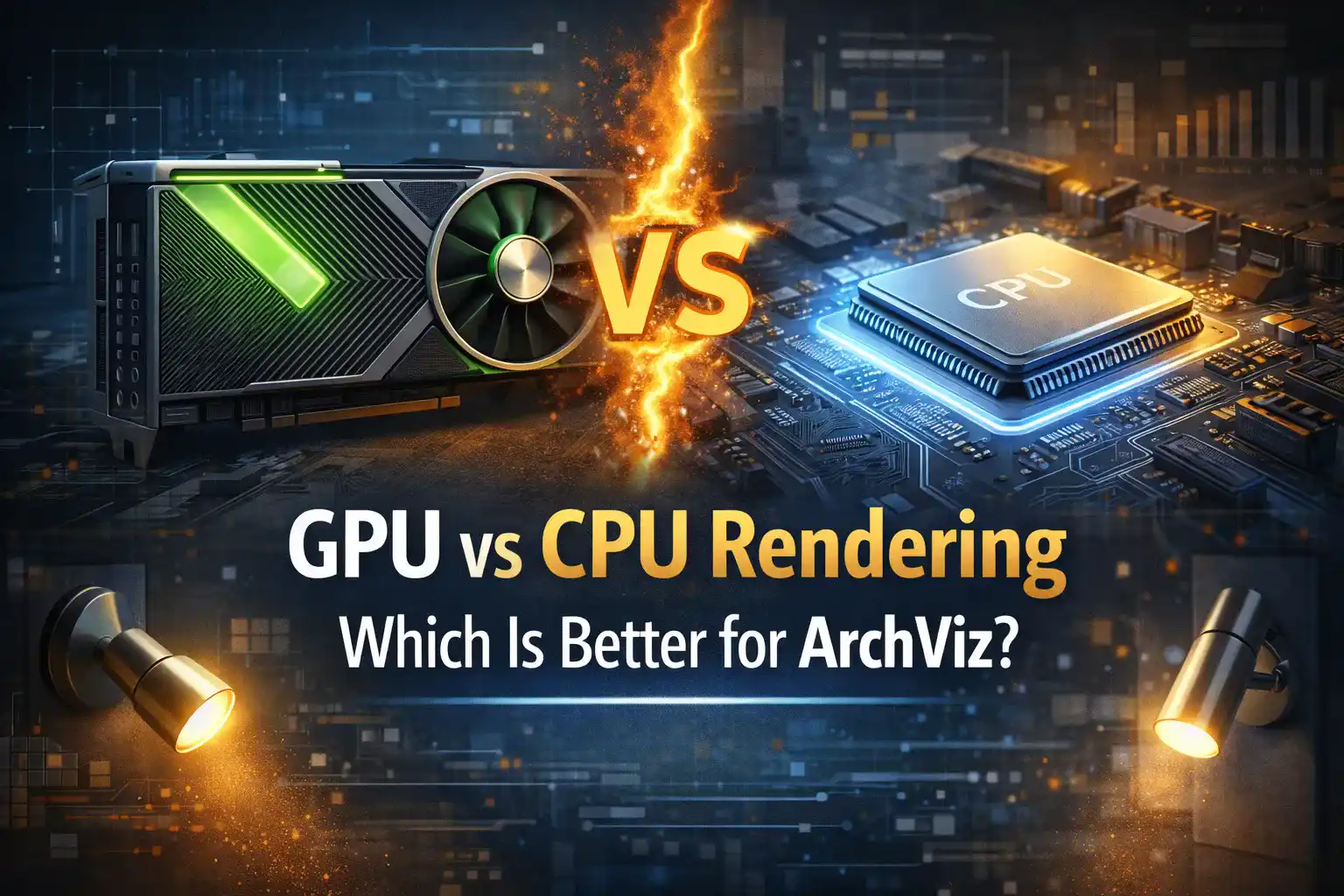
You need to get a detailed review on GPU vs CPU Rendering to understand the difference between saving hours of render time and thousands of dollars. Architectural visualization is an industry where the quality of your output matters the most. The studios create realistic interiors and exterior visuals. However, the debate between GPU and CPU rendering has never been more relevant. The answer is not as simple as “GPU is faster, so GPU wins.” Both methods have earned their place in the professional ArchViz industry. So, understanding is better to save your money and a lot of time of rendering. Real estate agents get professional 3D Rendering Services to design their vacant spaces or properties to sell them faster. Read our blog to understand GPU vs CPU Rendering to make the right choice for ArchViz!
Understanding the Fundamental Difference
CPUs and GPUs solve the same problem. They help to generate a realistic image, but they do it in completely different ways.
The CPU handles sequential calculations.
Whereas the GPU processes multiple tasks simultaneously.
This makes the GPU ideal for rendering complex 3D scenes and high-resolution images.
CPU is like a team of highly skilled specialists working on one task at a time. A GPU is like an army of workers handling thousands of smaller tasks all at once.
The Case for GPU Rendering
GPU rendering has become a favourable choice for fast working and getting realistic results. Modern rendering engines rely heavily on GPU performance. A capable GPU can handle lighting, and other requirements. They are faster than a CPU. It allows visualizers to see and refine their scenes.For the latest tools, the GPU is essentially non-negotiable. Modern software relies on the GPU to do the heavy work. However, these tools provide high-quality visuals. Plus, they also allow the images and videos to be rendered in mere seconds or minutes. It is important to get help from a reliable Architectural Visualization Company and get the advantages of GPU rendering for ArchViz:
- GPU engines create faster scenes that fit within VRAM
- Tools built on GPU engines give the best previews
- V-Ray GPU makes very effective use of multiple GPUs
The Case for CPU Rendering
CPU rendering is a superior choice in many archviz contexts. The single most important reason is memory.CPUs work with system RAM. It ranges from 96 GB to 256 GB.
This means CPU rendering can handle extremely complex scenes. It can be huge Archiz projects with.
- millions of polygons
- fully displaced landscapes
- heavy particle simulations
The Nvidia RTX 6000 Ada graphics card has a huge 48 GB of memory. When you’re building a big scene with lots of trees and high-quality textures, then you really need extra memory.That is why most expert architecture visualizers still use CPU render engines. Corona and V-Ray software are the most popular because they’re reliable and look realistic.
The best advantages of CPU rendering for ArchViz are.
- Unlimited scene complexity
- Software maturity
- Stability under load
- Core-count scaling
- Corona Renderer compatibility
The VRAM Wall
When it comes to rendering in archviz, the main concern for the CPU and GPU is usually the VRAM. Consider an archviz interior. There are 50 high-res textures used, detailed furniture, and cloth simulation. Considerable VRAM is used. This interior fits comfortably on an RTX 5090 (32 GB) with 8-12 GB of VRAM used. Now consider a forest. Add forest pack vegetation, a million trees, and a volumetric fog pass, and you are looking at 40-60 GB. That is well beyond a single GPU.Rendering GPUs have a less than ideal solution. An example is Redshift, which allows out of core rendering and uses system RAM, but with a major render time increase. A scene that would render in 3 minutes with all rendering done in VRAM could take up to 20 minutes when it has to use system RAM.
The Rise of Hybrid Rendering
One area of rendering where CPU and GPU largely work in isolation is V-Ray. Fortunately, V-Ray has a hybrid mode where CPU and GPU rendering are done in an optimal way and includes memory saving options to push textures to system memory. This is especially useful on render farms.All of this means an archviz team could go from rendering V-Ray CPU jobs in the morning to rendering Redshift GPU jobs in the afternoon all with minimal scene weight and tight deadlines.
Which Should You Choose?
The honest answer is:
- It depends on your project type
- Your VRAM ceiling
- your software stack
Conclusion
GPU vs CPU is clear from this guide. However, GPU rendering wins on speed. CPU rendering wins on memory. For the majority of professional archviz studios, the right answer is a well-planned workflow that uses both. The studios that understand this difference will always stand out in the industry.