
How to Fix Noise, Grain and Fireflies in Architectural Rendering
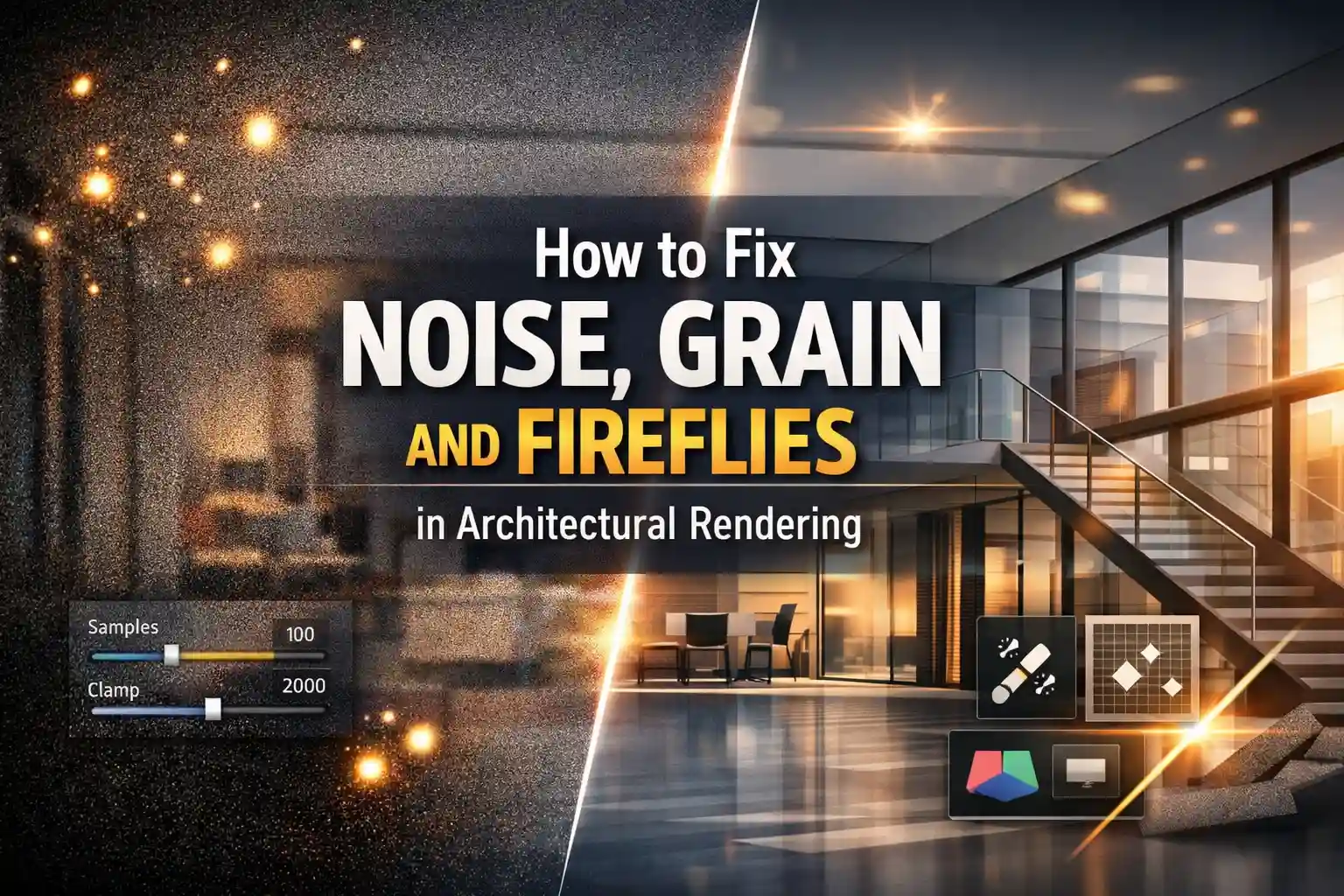
One has to address common issues to fix architectural renderings. It includes flat lighting, unrealistic materials, and other steps. However, rendering is a creative domain that combines technical things with artistic vision. Even the most beautiful 3D design can be ruined by a noisy final image that looks grainy or covered in bright spots called fireflies. However, these glitches are the main issues for any modern rendering software.
To create professional and high-quality work in this current year, every 3D artist needs to know exactly why these errors happen and how to clean them up. That is why people now rely on the Best Architectural Rendering Services to design their spaces without any errors in the designs. It is also recommended to get expert help as a beginner. It can lose profitable contracts and it can stop your business.
This guide is helpful for beginners to learn how to Fix Noise, Grain, and Fireflies in Architectural Rendering!
Understanding the Problem
Before reaching for solutions, you need to understand what you’re dealing with.
Fireflies need to be distinguished from noise. It is graininess in the image. This can be reduced by simply increasing the number of rendering samples per pixel. They are challenging to remove because they are caused by interactions between specific materials and lighting settings.
Grain looks granular in appearance. Plus, fireflies, on the other hand, occur because light is being reflected from glossy surfaces.
The fix to these challenging problems!
1. Increase Sample Count (The Baseline Fix)
The best starting point is always your sample count. This means that the higher the samples, the less the grain. When there are more render samples, it gives the path tracer something to work with. This produces smooth images. For getting a clear render:
- Increase the maximum number of samples
- Lower the noise threshold
- Complex materials like glass or water might require thousands of samples to look perfect.
- To work faster, use adaptive sampling. It focuses on the worst parts of the image.
If you are making a video, make sure your sampling stays consistent. It must be on every frame to prevent flickering.
2. Use Clamping to Eliminate Fireflies
You can stop the bright and annoying fireflies by using a clamping setting. This puts a cap on how intense a single light ray can be.
If you set this limit too low, you might lose the bright highlights needed for effects like glow.
To fix this without ruining your image, focus on increasing the Clamp Indirect value first.
You need to understand that most fireflies come from the light bouncing off surfaces. So, to avoid clamping “Direct” light whenever possible.
3. Manage Caustics and Glossy Settings
Caustics are the beautiful light patterns you see at the bottom of a pool. They are the major cause of fireflies. They are difficult for your computer to calculate. Why so? The major reason is that the light has to bounce through the complex surfaces like glass, etc.
A professional Architectural Visualization Company turns the caustics off to save time and prevent noise. However, to clean this up, one can uncheck:
- Reflective
- Refractive Caustics in your light settings
4. Optimize Your Lighting Setup
Poor lighting is one of the most neglected causes of noise and fireflies in architectural rendering. Let us show you the possible reasons:
- A small light makes it harder for the integrator to calculate highlights
- Increasing the light size can reduce fireflies.
- In V-Ray and similar engines, the majority of fireflies are often caused by directional lights —
- The Light Falloff node has a Smooth factor that can be used to reduce the maximum intensity a light can contribute to nearby surfaces
5. Post-Production Fixes in Photoshop
If you do not have time to re-render. You can fix problems in post-production.
In Photoshop, a quick trick is to use the Dust and Scratches filter on a copy of your image. It starts with a tiny one-pixel radius. After that, it addresses the threshold and removes the bright spots quickly.
For the best results, modern AI tools like Topaz Photo AI or Adobe Firefly must be used. They clean the heavy grain in the shadows. Make sure to work nondestructively by keeping your original render on its own layer. This way, you can always go back and start editing.
Best Practices to Prevent the Problem Upfront
The best practices to prevent the problem are:
- It is always better to prevent noise rather than try to fix it later!
- Denoising must be considered as a final polish rather than a shortcut for bad lighting.
- If the base setup is messy then the denoiser will just create a blurry look. So save both the raw and the denoised version.
- Also, avoid placing tiny lights inside the glass objects.
- If you are using any AI denoiser then make sure to include Albedo and Normal passes to help the software see edges more clearly.
Conclusion
To Fix Architectural Rendering from noise, grain, and fireflies, you need to implement the right solutions. Follow the guidelines we have provided in this guide. This will help you create a clean render more than ever! Use advanced tools with care because they are now the standard across the industry. Learn all the techniques properly to create perfect architectural visualizations.