Senior Living Rendering: How 3D Visualization Helps Developers Pre-Lease, Fund & Win Approvals for Assisted Living & Memory Care Communities
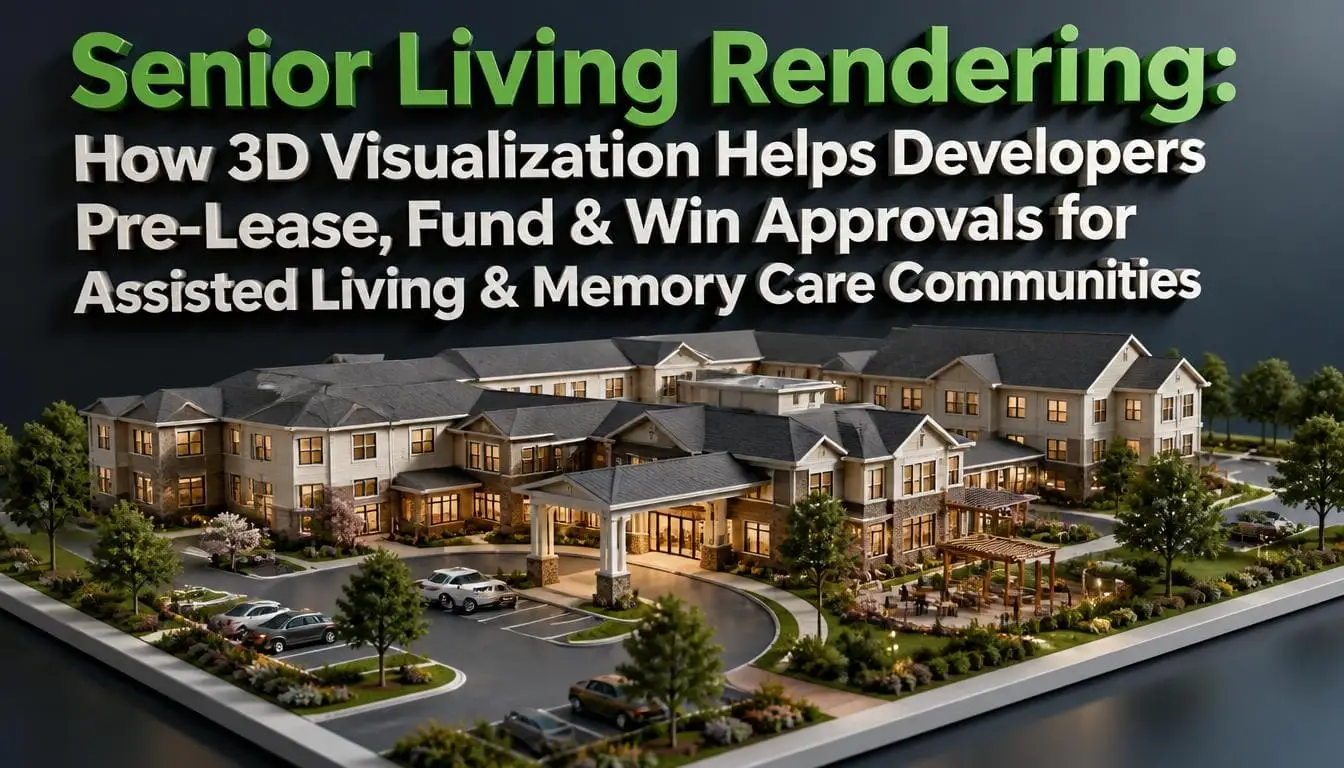
Senior living rendering is the creation of photorealistic 3D images, 3D floor plans, animations, and 360° tours of an independent living, assisted living, memory care, or continuing care community before it is built, using the project’s architectural drawings. Developers use these visuals to pre-lease suites to families, show lenders and investors the finished asset, and give planning boards an accurate picture of the building’s size and impact.
What is Senior Living Rendering, and What Does it Include?
Senior living rendering is the process of building a realistic 3D model of a senior community and creating images of it, inside and out, from CAD, Revit, or SketchUp files. If no model exists yet, facade drawings, room plans, and reference photos are enough to start.
3D rendering for senior housing is different from standard apartment work. The buyer is often an adult child choosing a home for a parent. So the images must show care, safety, and warmth, not just nice finishes.
A complete set of senior living renderings usually includes:
- Exterior views: the building, entry court, and drop-off, shown at eye level in daylight or golden hour.
- Interior views: lobby, dining room, model suites, and activity spaces.
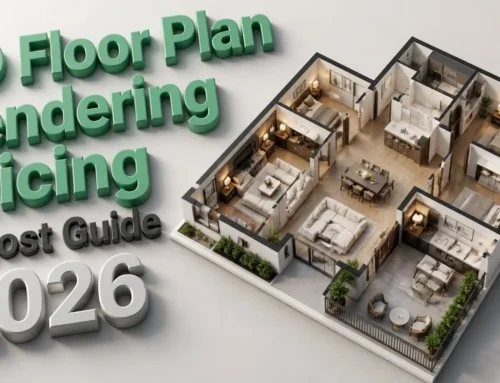
- Furnished floor plans: each unit type in 3D, with real furniture at true scale.
- Aerial and site views: the full campus, parking, paths, and gardens.
- Animation and 360° tours: a guided walk from the front door to a resident suite.
Each care level needs its own look. An independent living community rendering leans on lifestyle: apartments, pools, bistros, and fitness rooms. Assisted living shows private suites, dining, and help close by. Memory care shows secure courtyards and small household layouts. A CCRC rendering usually starts with an aerial, so buyers see how they can move between care levels on one campus.
Exterior views carry most of the early weight. Many developers outsource 3D exterior rendering to a specialist studio because the facade, landscaping, and lighting must match the drawings exactly. In-house architects rarely have the time or the lighting skill to push images to a true photorealistic finish.
Why Do Senior Housing Developers Need Renderings More in 2026?
Senior housing occupancy is in high demand while new construction sits at its lowest level in over a decade. The few projects that move forward compete hard for the same capital and approvals, and renderings are often what sets one project apart.
The latest data makes the gap clear:
- Occupancy is near record highs: National senior housing occupancy reached 89.9% in Q2 2026, and 15 of 31 primary markets hit 90% or more, according to the National Investment Center for Seniors Housing & Care (NIC).
- Construction is at a 14-year low: About 16,400 units were under construction in Q1 2026, a level last seen in 2012, and just 2.3% of existing inventory, per NIC’s Q1 2026 market analysis.
Here is what that means in practice. The few projects that move forward compete hard for the same equity and debt. A lender reviewing a pro forma for a 90-unit assisted living building wants proof the community will lease up on time. Clear, accurate visuals are part of that proof.
How Does 3D Visualization Help Pre-Lease Assisted Living and Memory Care Units?
Renderings let families choose a suite and place a deposit before the building exists. Without them, the leasing team is selling a dirt lot and a floor plan.
In pre-leasing, the sales office is often a trailer or a rented storefront. Families can’t tour a hallway or sit in a dining room. The visuals do that work for them.
Leasing teams use renders in five places:
- Website and paid ads: one strong exterior and one warm interior as hero images.
- Leasing kits and brochures: suites, dining, and amenities printed for in-person visits.
- Unit-type pages: a model view for each layout, such as studio, one-bedroom, and companion suite.
- 360° tours: sent to adult children who live out of state and make the decision remotely.
- Referral partners: hospital discharge planners and placement agents need images to describe the community to families.
The suite view matters most. An assisted living facility rendering of a resident room answers the questions families actually ask. Where does Mom’s recliner go? Can she see the window from bed? Is the bathroom safe to use alone?
When the model suite isn’t built yet, teams often use outside 3D interior rendering services to stage each unit type with real furniture, grab bars, and lighting. Families then see a true room scale instead of an empty white box, and fewer deposits fall through after move-in day.
Senior living marketing renders work best when they show people. A resident sharing coffee with her daughter, a caregiver helping at the dining table, a group gardening in the courtyard. A strong senior living rendering set answers the family’s real worry: will my parents be safe and happy here?
How Do Architectural Renderings Help Developers Secure Funding?
Architectural visuals make an unbuilt asset easy to judge. Investors and lenders see dozens of decks, and the one with clear, believable visuals gets read first and remembered.
Each capital partner looks for something different:
| Audience | What they want to know | Best views to show |
| Equity investors | Will this beat nearby competitors? | Arrival exterior, lobby, campus aerial |
| Construction lenders | Is the plan buildable and the unit mix sound? | 3D floor plans, massing, elevations |
| Operators and JV partners | Will staff work efficiently here? | Dining-to-kitchen flow, nurse station sightlines, memory care household |
Unit mix is where many decks fall short. A clean 3D floor plan rendering of each unit type shows square footage, furniture fit, and how care staff move between rooms. A 2D plan hides those details from non-architects, and investors are rarely architects.
Senior living 3D visualization also lowers design risk before money is spent. When an operator spots a problem in the model, like a nurse station that can’t see down the corridor, the fix takes hours. The same fix after framing takes weeks and a change order.
How Do Renderings Help Win Zoning and Planning Approvals?
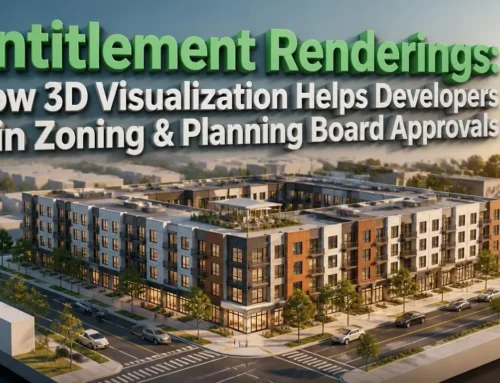
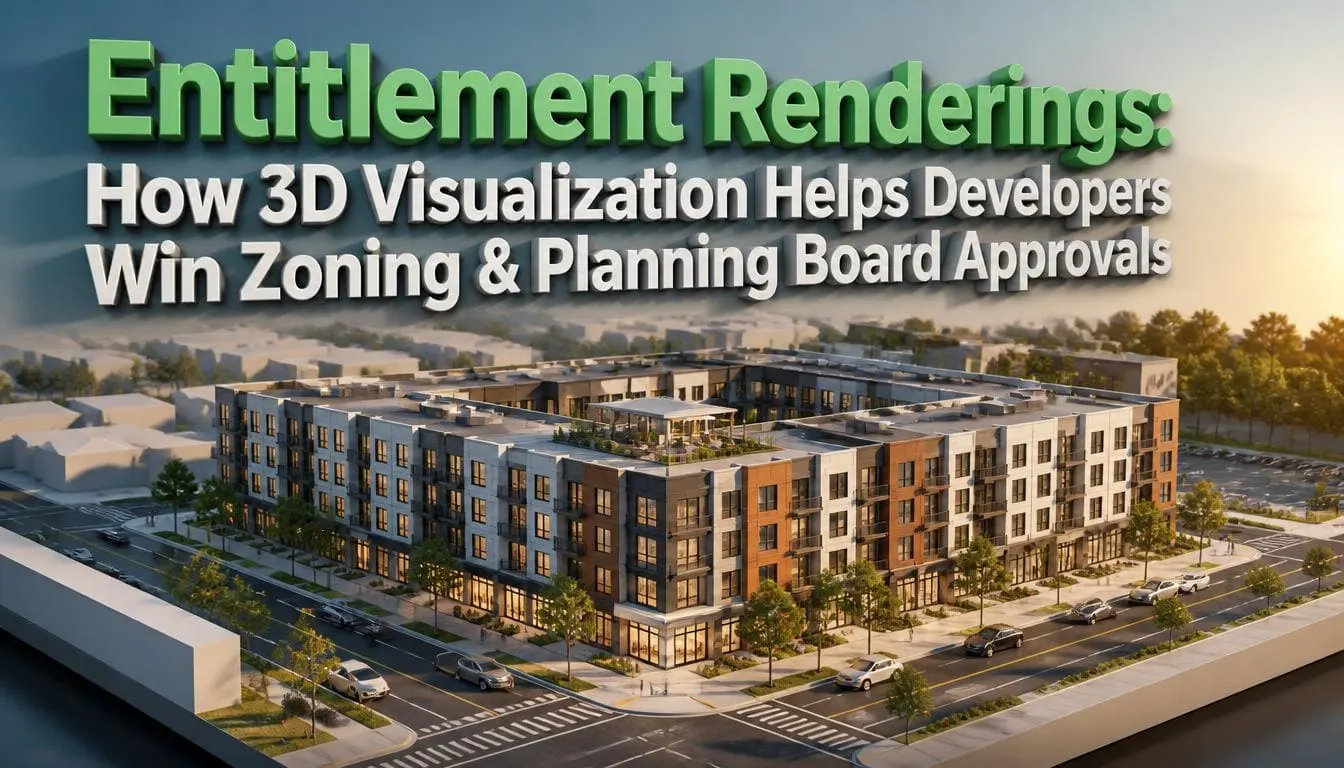
Renderings help win zoning and planning approvals by showing boards and neighbors the true size, look, and impact of the building. That removes the guesswork that fuels opposition at public hearings.
Senior communities often go into residential neighborhoods. Neighbors worry about height, traffic, ambulance noise, and a “hospital” next door. Accurate images answer those fears with facts.
Planning boards usually respond best to:
- Street-level views from neighboring roads and homes, matched to real site photos.
- Massing comparisons that show building height next to existing houses.
- Landscape buffers shown at planting and at five-to-ten-year maturity.
- Traffic routes for parking, deliveries, and emergency vehicles.
- Night views proving site lighting is soft, with no glare into nearby yards.
Accuracy decides everything here. A retirement home 3D rendering that makes the building look smaller than the drawings will get caught, and the board stops trusting the rest of the submission. Build these views from survey data and camera-matched photos, never from guesswork.
One practical tip: show the same views at a neighborhood meeting before the formal hearing. Concerns raised early can be fixed in the model, not argued over in public.
What Makes Memory Care Renderings Different?
Memory care visuals must show dementia-friendly design. Families and regulators judge these spaces on safety and calm, not on luxury finishes.
The need is growing fast. An estimated 7.4 million Americans age 65 and older are living with Alzheimer’s in 2026, according to the Alzheimer’s Association 2026 Facts and Figures report. Many of their families will choose a community from images alone.
A memory care facility rendering should clearly show:
- Secure looping paths in courtyards, with no dead ends that cause distress.
- Small household layouts instead of long, institutional corridors.
- Wayfinding cues such as memory boxes beside suite doors and color-coded wings.
- Matte, even flooring because Shiny floors look like water, and dark thresholds look like holes.
- Strong color contrast on toilet seats, grab bars, and dinner plates.
- Hidden exit doorways that match the look of the surrounding wall to stop people from trying to open or use them
- Open kitchens and dining where residents always see staff.
A memory care design rendering is also a design check. Place the camera at a seated resident’s eye level, about four feet high, and problems show up fast. You’ll spot a busy carpet pattern, a glare-filled window at 3 p.m., or a door that draws attention it shouldn’t.
Be honest in what you show. Include caregivers in the scenes and show real daily activities, like folding laundry or baking. Families trust images that look like a real day, not a hotel brochure.
Build one detailed 3D model at the start and reuse it at every stage. Each new set then means new camera angles, not a new project, which keeps later costs much lower.
What Mistakes Make Senior Living Renders Backfire?
The biggest mistake is making the community look like a hospital. Bright empty corridors, cold white light, and bare walls tell families “institution” in one glance.
Other common errors that make senior living renders backfire are given below.:
Empty Rooms
Spaces without people feel lonely, the exact feeling families fear most.
Wrong Residents
Models who look 35 years old break trust. Show real older adults, some with walkers, plus staff.
Overpromising
Showing finishes, views, or amenities that won’t be built creates angry residents and legal risk. Match the final finish schedule and label images as an artist’s conception.
Missing Safety Features
No grab bars, loose rugs, or steps at the entry. Families and inspectors both notice.
One-Off Images
Ordering views without a reusable model means paying again at every project stage.
Final Thoughts
The right senior living rendering set does more than make a building look good. It helps families picture a parent at home, helps lenders trust the numbers, and helps neighbors see a good neighbor. Start with one accurate 3D model, order views for the decision in front of you, and keep every image honest to what you’ll build.
Frequently Asked Questions
Q1: What files do I need to start a senior community rendering project?
CAD, Revit, or SketchUp files are the best starting point, along with the finish schedule and a few mood references. If you don't have a 3D model yet, elevations, room plans with dimensions, and site photos are enough. The studio builds the model from those. Share the landscape plan too, since gardens and courtyards appear in most views.
Q2: Do planning boards accept renderings in submissions?
Yes. Most boards welcome them, and many expect street-level views for larger projects. What boards reject is inaccuracy. Use views built from survey data and real site photos, show heights correctly against nearby homes, and include landscaping at a realistic size. Ask your planner which viewpoints the board usually requests before ordering.
Q3: Can one 3D model cover assisted living and memory care wings?
Yes, and it should. One campus model lets the studio render both wings with different styling: brighter, social spaces for assisted living, and calmer palettes and secure courtyards for memory care. When a later phase opens, the team only adds new camera angles, which saves time and keeps every image consistent.
Q4: Are 360° tours and animations worth it, or are still images enough?
Still images do most of the work for decks, ads, and approvals. Tours and animations add the most value during pre-leasing, especially for adult children who live far away and can't visit the sales office. A short animation from the front door to a suite answers layout questions that a single image can't.