Revit Drafting Services

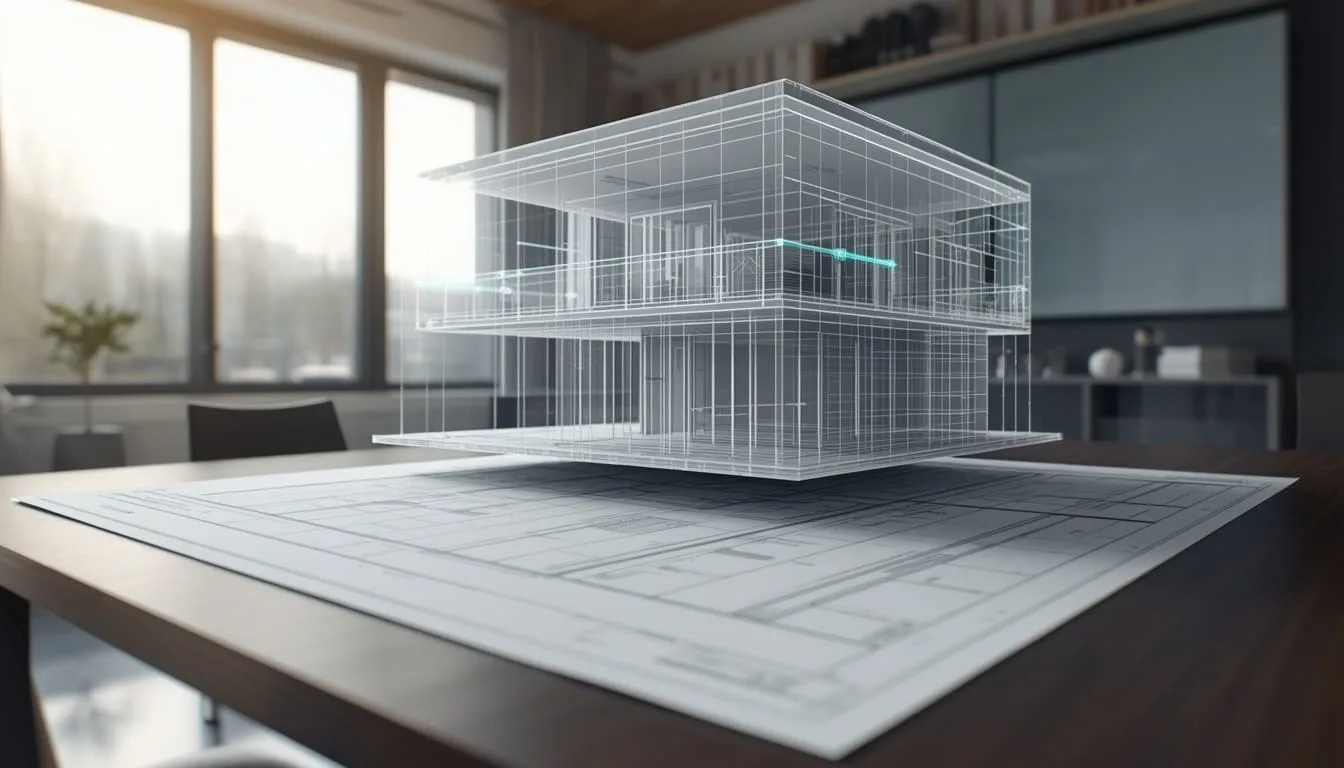
SMA Archviz offers advanced Revit drafting services that convert your design intent into model-based drawing sets. We specialize exclusively in high-precision architectural Revit drafting and 3D Modeling for architects, designers, and home builders.

Built to your real dimensions
Revit Drafting Services

Coordinated Drawing Sets Built With Revit Drafting Services

Drawing sets built by hand in 2D tend to fall out of sync the moment a design changes. A model-based workflow fixes this. Every plan and schedule pulls from a single Revit model. Change something once, and it updates everywhere. That matters, because mistakes here cost real money. NIST put the damage from poor software interoperability at about $15.8 billion for the U.S. capital facilities industry in 2002 alone.

The SMA Archviz team follows your templates, so what you get back looks like your own office made it. We cover every architectural phase, and each set arrives coordinated and complete.​​​​​​​​​​​​​​​​

Every project includes:

  • Model-Driven Sheet Sets
  • Your Standards, Applied
  • Fully Annotated Drawings
  •  Live Linked Schedules
  • Clean, Organized Models
  • Fast, Predictable Turnaround

Choose the Drafting Support Your Project Needs

No two projects need the same drawings. Maybe you only need one service, or a complete architectural drawing set. We offer complete architectural construction drawing sets, from schematic layouts to permit-ready architectural detailing. We’ll match the work to your project stage and your team’s needs.​​​​​​​​​​​​​​​​

Architectural Sheet Production

Architectural Sheet Production

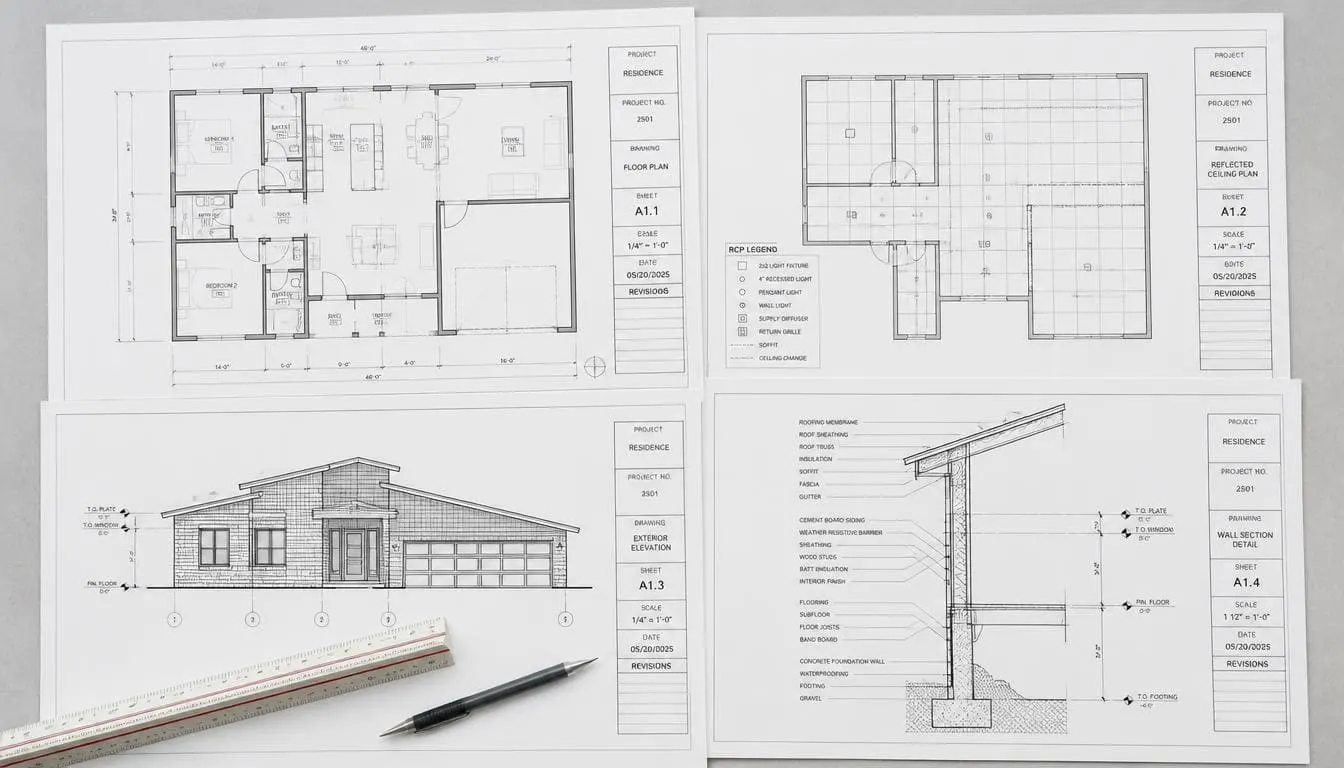
We produce dimensioned floor plans and reflected ceiling plans straight from your model, annotated to your standards. Elevations, sections, and wall details follow the same way. Our architectural drafting team supports schematic design, design development, and final submission sets. You can send us a model, a CAD file, or even a hand sketch, and we’ll work from it.
Conceptual and Schematic Packages

Conceptual and Schematic Packages

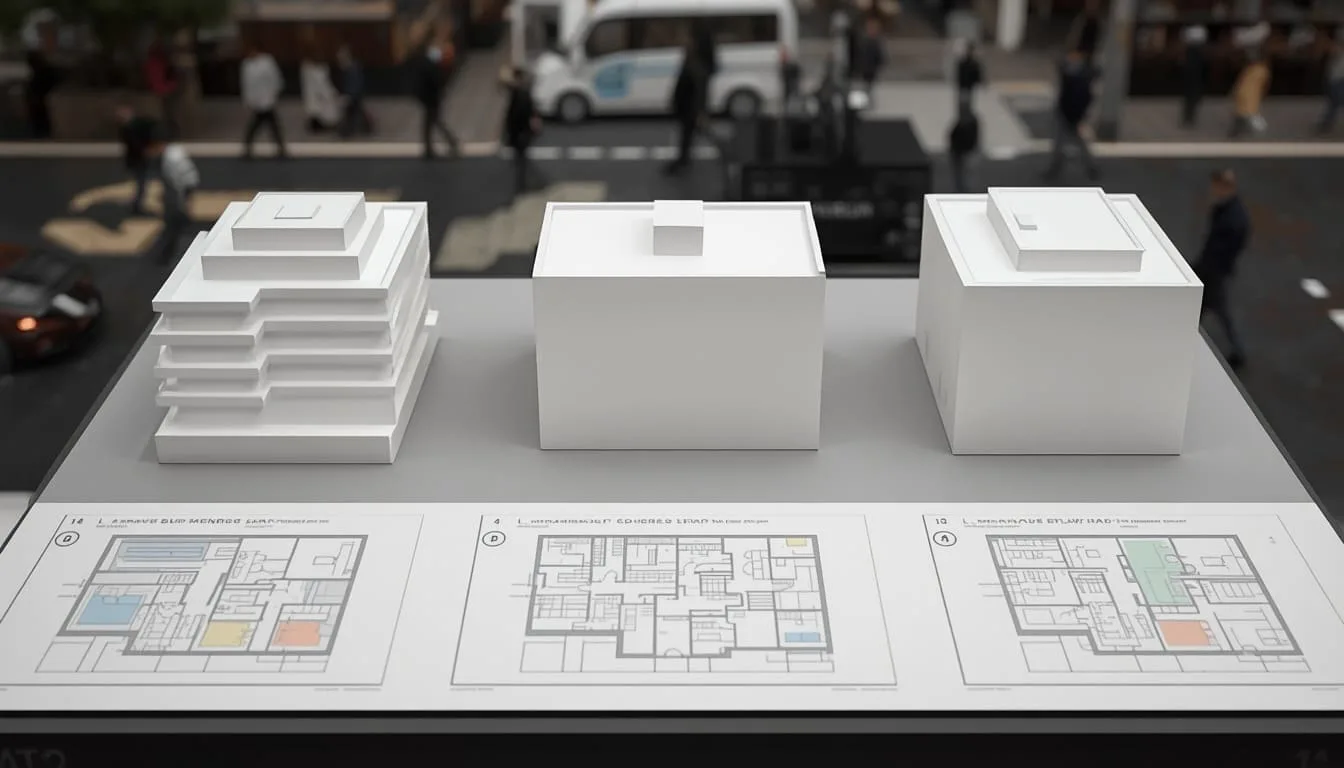
Early in a project, you need layouts you can react to. We prepare initial floor plans, massing, exterior elevations, and space layout options, along with design presentation sheets, so you can compare directions before committing to full documentation.

CAD and PDF Conversion

CAD and PDF Conversion

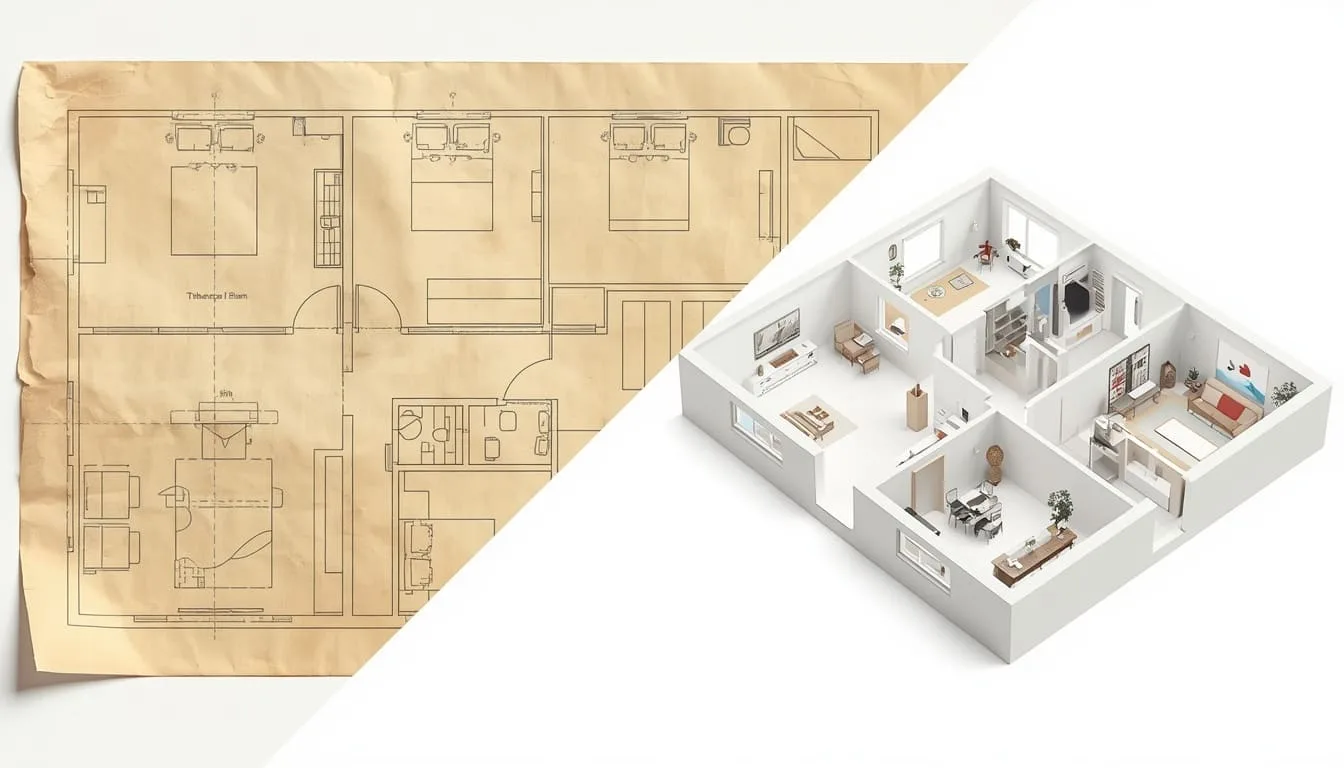
Got old DWG files, scanned PDFs, or hand sketches? Our CAD to Revit conversion turns them into working architectural Revit models at LOD 200–300. Your dimensions and layers stay the same. The walls, doors, and rooms also carry real data. You get seamless CAD-to-Revit conversion and accurate 3D architectural modeling built strictly to your architectural specifications. In short, the model is useful from day one.

As-Built and Renovation Documentation

As-Built and Renovation Documentation

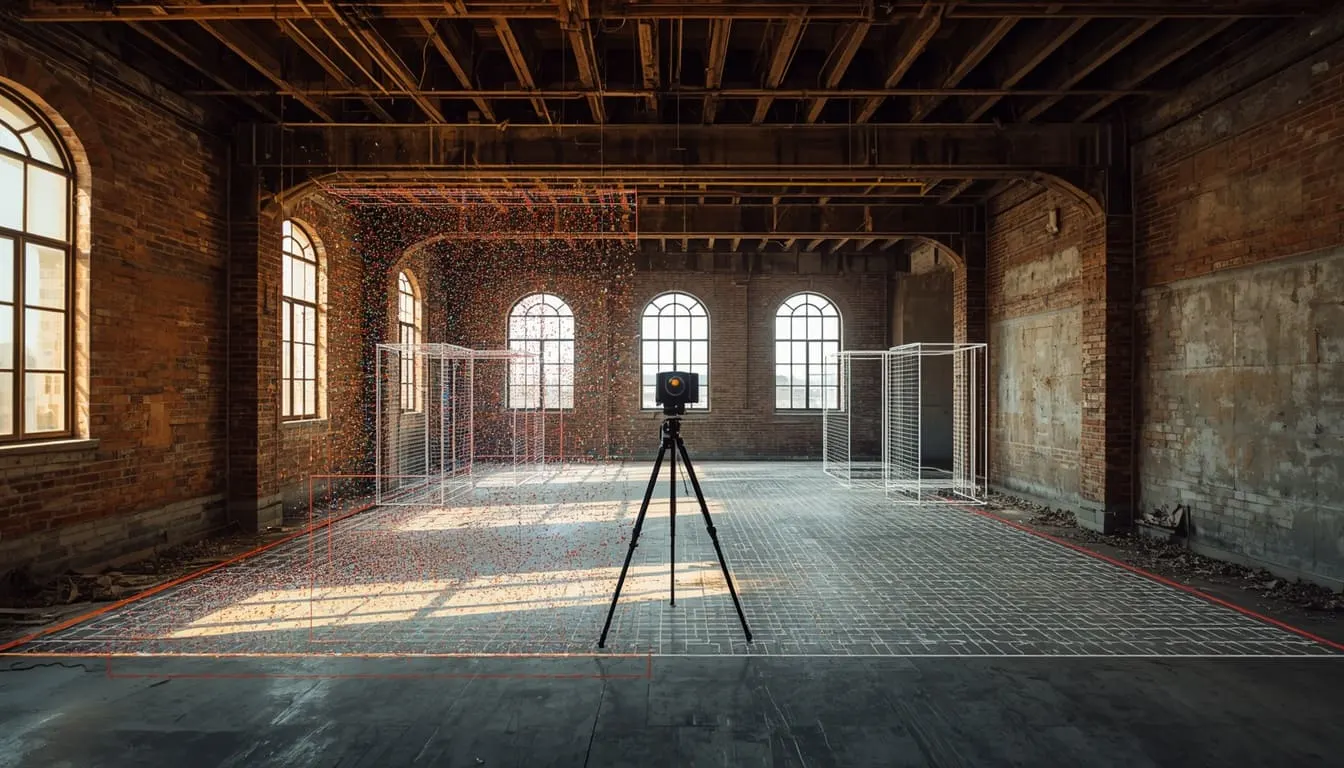
Our artists prepare plans on the basis of existing conditions from your field notes or laser scan data. Demolition plan sheets come next. Our as-built drawings give renovation teams a reliable starting point.​​​​​​​​​​​​​​​​

Building Types We Document

From a small home to a full campus, we match our detailed plans to the size of your job.

  • Single-Family and Multi-Family Housing

    Get plans for a custom home, townhomes, or an apartment. Our Revit experts prepare plans and finish schedules. This will help you get through permit review and give contractors enough to price the job. Renovations are welcome too.

  • Offices, Retail, and Tenant Fit-Outs

    Tenant work runs on tight dates. A restaurant, a medical suite, or a retail space can’t wait weeks for drawings, so we turn them around fast and keep them accurate. That keeps your construction schedule on track.

  • Hotels and Mixed-Use Projects

    A hotel project may have the same type of rooms. Mixed-use projects bring big schedules and multiple sheets that must agree with each other. We tackle all project types and keep everything coordinated.

  • Schools, Clinics, and Civic Buildings

    Public buildings come with strict documentation and accessibility rules. We work to those requirements, whether it’s a school, a clinic, or a community center.

  • Warehouses and Light Industrial

    For warehouses, light manufacturing, and logistics buildings, we put the architectural floor plans, elevations, sections, and door and window schedules into one coordinated set, so your team isn’t piecing it together from separate files.

Qualities of Drawings That Clear Review the First Time

Anyone can draw lines. A good studio gives you drawings that are right the first time. Big government bodies like the GSA and the Army Corps of Engineers already demand this high quality. Our team aims for the same on every set.​​​​​​​​​​​​​​​​

We check every sheet against your title block, view templates, and sheet naming rules. Where your project follows the National CAD Standard, our linework and annotation follow it too.

  • Model-Based Accuracy
  • Consistent Line Weights
  • Correct Dimensioning
  • Coordinated Sheet Numbering
  • Clear Keynote Systems
  • Clean Model Organization
  • Code-Aware Annotation
  • Verified Quality Checks

Files and Documents Included in Every Handoff

You receive a complete package that is ready to hand to a contractor.

  • Revit file with every sheet placed and tagged.
  • PDF of each sheet, plus one combined set named your way.
  • Door, window, room, and finish schedules in Excel on request.
  • DWG files for consultants who still use CAD.
  • IFC files to share the architectural model with other teams.
  • Revision logs to show changes.
  • Editable source files you can keep using after handoff.​​​​​​​​​​​​​​​​

Why Architects and Builders Hire SMA Archviz for Revit Drafting Services

Your Standards

We use your template, so there’s nothing to reformat later. No template? We’ll build one to match the documents you already have.​​​​​​​​​​​​​​​​

A Named Point of Contact

You get a named point of contact, a milestone schedule before work begins, and updates at each stage, so you are never left guessing where your drawings stand.

Drafting and Visualization Under One Roof

SMA Archviz is an architectural visualization studio that uses the same model to create high-quality 3D renderings with our visualization software for marketing and approvals.

Secure File Handling

We sign NDAs on request and limit access to project files to the team assigned to your job.

Review-Friendly Output

Our models are organized so clients can easily review them. This keeps your architectural model clean, easy to navigate, and ready for your own team to build on.

How a Job Moves From Your Files to Final Sheets

A clear process keeps your project on schedule. This is how every job moves from your files to the final set.

  1. 01

    Intake and Scope Review

    Before we start, we go through what you send us, whether that’s a Revit model, CAD files, PDFs, sketches, or markups. We also read your standards documents. Then we confirm project details and file formats with you.

  2. 02

    Template and Sheet Setup

    Next, we set up your template or build one that matches your office standards. Then we prepare the sheet list and naming system. We set up the view settings too, so every drawing starts off right.

  3. 03

    Model Preparation and Detail Level

    We add missing walls and floors, or fix the ones that are wrong. Rooms and openings get the same check. We clean up the annotations too, so every view reads accurately.​​​​​​​​​​​​​​​​ At this stage we also agree with you on the required Level of Development (LOD).

  4. 04

    Drafting, Annotation, and Schedules

    We place the views on sheets and add dimensions and tags. Keynotes and notes go in next. Schedules come straight from the model data, so the quantities always stay accurate.​​​​​​​​​​​​​​​​

  5. 05

    Internal Quality Check

    A second team member checks every sheet for accuracy. Our team members send you a sample sheet for early feedback.

  6. 06

    Revisions and Final Issue

    We apply your comments and stay available for follow-up changes.

Tools and Skills Behind Every Drawing Set

Our 3D architectural modeling team builds the geometry. Drafters turn it into sheets, using established BIM tools. This helps in opening your files cleanly in your own environment.

Applications in Our Workflow

  • Autodesk Revit
  • AutoCAD
  • Autodesk Navisworks
  • Bluebeam Revu
  • Autodesk Construction Cloud

What Our Team Can Handle

  • Parametric Sheet Production
  • Linked Schedule Generation
  • Worksharing and Linked Files
  • Template and Standards Setup
  • Point Cloud Reference Support
  • CAD and PDF to Revit Conversion

What Drafting Costs and How Long It Takes

The table below shows current USA market rate ranges and typical turnaround for each architectural service.

Architectural Deliverable / Service

Service Scope & Sub-Types

Pricing Model

Rate Range

Typical Turnaround

Individual Architectural Revit Sheet

Single floor plan, exterior elevation, building section, or RCP sheet

Per sheet

$150 – $350 / sheet

2 – 4 business days

PDF / CAD to Architectural Revit Conversion

Converting 2D drawings or hand sketches into clean, layered Revit models

Per sheet or sq. ft.

$100 – $250 / sheet (or $0.25 – $0.50 / sq ft)

3 – 5 business days

Architectural Conceptual / Schematic Package

Initial floor plans, massing, exterior elevations, and space layout options

Lump sum (flat fee)

$1,200 – $3,500 per set

5 – 8 business days

Architectural As-Built Revit Drawings

Existing-condition architectural modeling from field measurements or point clouds

Lump sum / sq. ft.

$0.40 – $1.25 / sq ft (or $1,200 baseline)

4 – 7 business days

IMPORTANT NOTE:

Quoted Projects: Large or complex projects get a custom quote.

Extra Revisions and Phases: Extra work is priced before we start.

Sheet Types We Produce, From Plans to Schedules

Our team prepares each sheet type to match its purpose.

Architectural Floor Plans

We draw a dimensioned plan for each level. Room names and window tags are on every one. This way reviewers and builders can read them easily.

Reflected Ceiling Plans

These show the ceiling heights, finishes, soffits, and light locations. That way, trades know exactly what’s going on up there and can plan their work.

Elevations and Building Sections

Exterior and interior elevations come with material notes. The sections show heights of the building layers.

Door, Window, and Finish Schedules

These schedules pull from the live model. Change the design, and the counts and tags change with it.

Interior Elevations and Enlarged Plans

Kitchens, bathrooms, and stairs need a closer look. We draw them at a larger scale and mark the fixtures and millwork.

Roof Plans and Wall Sections

We draw roof plans and detailed wall sections that show the building envelope, facade detailing, and how each layer goes together.

Demolition and Phasing Plans

Some projects need a clear line between old and new. Our sheets show what stays and what goes. They also show what gets built at each stage.

Site Plans and Area Diagrams

These cover the building footprint and setbacks. Parking and lot coverage are shown too, which helps with zoning and permit review.

These are the sheets people ask for most. Need a drawing that’s not listed? Tell us what it is and we’ll let you know how we’d handle it.​​​​​​​​​​​​​​​​

Samples From Recently Completed Packages

The examples below show the kinds of drawing packages we prepare across different building categories.

Project

Location

Work Delivered

Building Category

Maple Ridge Residence

Austin, TX

Architectural sheets and schedules

Residential

Harbor Point Office Fit-Out

Seattle, WA

Architectural and structural sheet set

Commercial

Lakeview Commons

Chicago, IL

MEP plans and risers

Mixed-Use

Westbrook Community Clinic

Denver, CO

Existing-condition and renovation set

Institutional

Palm Terrace Boutique Hotel

Miami, FL

Multi-discipline coordinated set

Hospitality

FAQs

What exactly will I receive from your team?

Revit file with a complete sheet. Every sheet is formatted to your standards. It will be ready to review or send.

How is working in Revit different from AutoCAD drafting?

In AutoCAD, every sheet is drawn on its own. If the design changes, you have to fix it by hand. In Revit, plans, sections, elevations, and schedules all come from one model. Change it once and every sheet updates.

Can you work in our template and to our standards?

Yes. We use your Revit template and sheet conventions when you have them. Plus, we build a matching template when you do not.

What information do you need to start?

We need a set of sketches, PDFs, CAD files, or an existing Revit model is enough to begin.

How long does a project take?

Turnaround depends on the service. Individual sheets typically take 2–4 business days, CAD or PDF conversion 3–5, conceptual packages 5–8, and as-built drawings 4–7. Larger projects take longer.

Send us your drawings for a fixed quote

Share floor plans, CAD files, SketchUp models, or even a quick sketch. We'll return a fixed quote and a clear delivery schedule, with no obligation.

EMAIL ADDRESS

FIRST NAME

LAST NAME

TITLE

MESSAGE

Go to Top