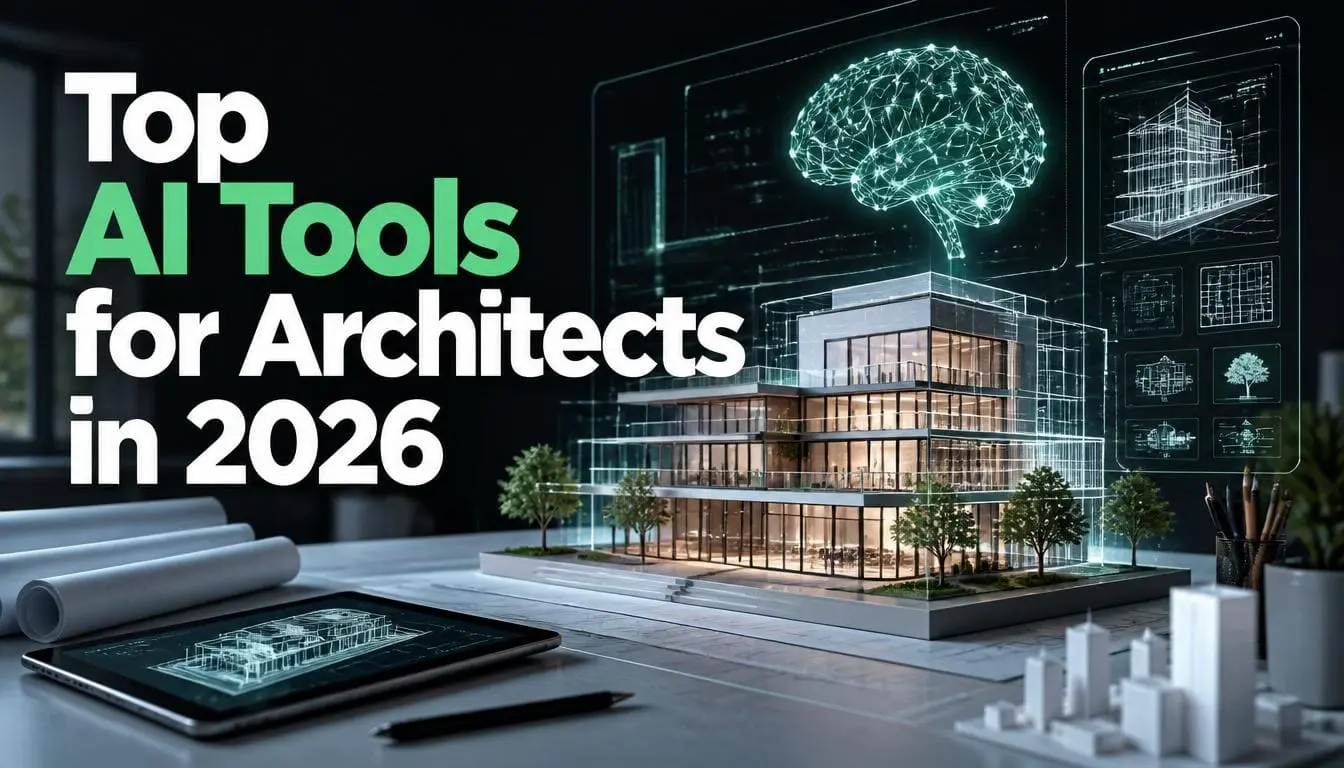
Top AI Tools for Architects in 2026
It is expected to get tired of reviewing a list of 20+ AI tools and leave you to figure out the rest. The result? You spend three to four hours testing the tools that don’t connect to the software you already use. Leading firms adopt top AI tools for architects for speedy and refined outputs.
The smart method is to match tools to your workflow stages. It involves:
- Concept
- Visualization
- BIM and documentation
- Code compliance
- Project operations
When you know which phase is taking the most time. Selecting the right tool becomes clear. A survey by Chaos and Architizer shows that 86% of architects using AI say it saves time or speeds up their workflow. Companies are saving five to six hours per week. That does not mean they are using AI for every task. They are using the AI tools for architects at the right stage.
How AI Adoption in Architecture Actually Looks Right Now
A 2026 survey of nearly 800 architects around the world found that 46% of firms are already using AI tools and another 24% plan to start using them this year.
This year, the major progress is a new category, which is named agentic AI. It is different from other normal AI tools. Because it helps to plan multi-step workflows and recover from errors. This is also used to coordinate entire pipelines without manual handoffs between apps.
Successful firms are already building custom agentic pipelines. It eases their process by combining these in a single automated sequence:
- structural evaluation
- Visualization
- code compliance
What this means in reality is that the early adoption of AI for architectural visualization is the perfect decision to compress the overall execution time.
Now, let’s discuss the top AI tools for you according to the project stages.
Top AI architecture software 2026 By Stages
Stage 1: Concept Design
The best AI tools for early concepts are Autodesk Forma and TestFit.
A. Autodesk Forma
It is a cloud-based early-stage design platform that connects directly with other Autodesk software. Instead of waiting weeks for a professional report. It lets you test environmental factors directly on your 3D models. For architects who use Revit later in their project, it fits into their processes perfectly.
This is best for urban infill and any project where site performance drives early design decisions.
B. TestFit
TestFit is designed to quickly check if a project is possible on a specific piece of land. You just enter the property info, and it quickly shows you the building’s shape, total apartments, and financial cost in real time. The projects that used to take three weeks can now be completed in just one afternoon. This tool is best for residential and commercial development.
Stage 2: Visualization and Rendering
The biggest difference in AI rendering is between the tools. Do you want a tool that plugs right into your design software, or one that makes stunning images but works separately? Obviously, a combined tool. Because it fits perfectly with your daily process, but it may give you limited visual control.
A. EvolveLAB Veras
It is the strongest option for architects who want AI inside their existing workflow. It easily connects directly with:
- Revit
- SketchUp
- Rhino
- Vectorworks
- Archicad
- Forma
- Allplan
These are the seven major BIM/CAD platforms. They convert rough sketches into material-rich visualizations in seconds without leaving your modeling software. It is considered best for firms that use BIM in their workflows.
B. Midjourney
Midjourney is great for creating stunning concept visuals by just inputting text. However, it lacks precise control over shapes and structure. This means it delivers a general mood rather than an accurate architectural model. But most architects use it just to brainstorm ideas. This is best for early client presentations.
Stage 3: BIM and Construction Documentation
Undoubtedly, the most time-consuming part of most architectural practices is documentation. AI is beginning to make meaningful inroads here.
A. SWAPP
SWAPP handles the most complex tasks in the architecture field. Which is construction documentation. When the user inputs a 3D model, it generates a complete drawing set by considering local building codes:
- Sections
- Elevations
- Details
- door schedules
- finish schedules
A 50,000 sq ft office building mostly requires 100+ sheets. Plus, three to four weeks of manual work. But it can be produced in hours and is ready for human review. One needs to see how AI is reshaping the architecture industry overall and implement it in their workflows.
B. Archicad AI Visualizer
This AI visualizer generates 3D renderings from text prompts directly inside the BIM environment. A free tech preview is available that offers a cheap way for users to start exploring AI design tools.
Stage 4: Code Compliance
Building code compliance is one of the clearest wins for AI in architecture. There are a massive number of rules to follow because a single mistake is highly expensive.
A. UpCodes Copilot
It is an AI-powered search trained on the International Building Code and state-specific regulations. When you ask a specific question from it, like:
What’s the maximum travel distance to an exit in an A-2 occupancy in California?
It provides an accurate and cited answer.
This tool reduces the time architects spend cross-referencing code books for routine questions.
Stage 5: Writing, Documentation, and Operations
For proposals, meeting notes, and client communications, general-purpose large language models have become everyday tools in modern firms. Claude is widely used for documents and proposal writing.
Some firms are using AI chatbots to search and organize information requests from contractors. They monitor response time to reduce delay claims.
Mistakes Architects Make While Choosing Top AI Tools for Architects
This modern architectural industry is competitive, especially for newcomers. Now, there is no room for manual methods. So, it is better to adopt new strategies and AI tools to compete. Instead of static rendering, you can attract new clients through animation. You can speed up your animations with AI-powered flythroughs and get the desired outcomes. But make sure to choose the right tools.
Do not make such mistakes while choosing AI tools:
- Choosing a tool before identifying the bottleneck
- Expecting AI outputs to be final
- Evaluating tools in isolation from your existing software
- Trying to adopt everything at once
Conclusion
The right AI tool for your practice is the one that removes your issues in the workflows. Follow our guidelines and match the top AI tools for architects to that problem. The companies that use AI smartly will be more competitive and better positioned as agentic capabilities mature over the next three to five years.
FAQ
Will AI replace architects?
No. AI tools are mechanical work. It frees architects to focus on the design intent and client relationships. They have to make complex decisions. However, AI is replacing certain tasks, not the profession itself.
What’s the best AI tool for small architecture firms with limited budgets?
Small architecture firms must start with free or low-cost tools:
- ChatGPT and Claude handle proposals and writing tasks
- Stable Diffusion is free for visualization experimentation
- Veras offers a free trial
- If you create a feasibility study, then TestFit is the best investment.